
AI product design in 2026: what has actually changed
AI product design in 2026: what shifted in prototypes, design systems, research and handoff, what has not, and how a design team adopts it together.
A couple of years ago, AI product design mostly meant a designer generating images for a mood board or asking a chatbot to rewrite microcopy. In 2026 it reaches the core of the job: what a designer produces, what the design system is for, how research gets synthesized and what developers receive at handoff.
Most writing about AI in design is a list of tools. The tools change every month. This article is about the shifts underneath them, the ones that change how a product design team should work, and about the parts of the job that stayed where they were. It is written for design leads and founders who want the whole team working this way, rather than two enthusiasts experimenting on the side.
The unit of work moved from screens to working prototypes
For most of the history of digital product design, the deliverable was a screen. A flow was a row of frames. Interaction lived in arrows, annotations and the designer's explanation during a review.
AI prototyping tools changed what is cheap to make. With Figma Make, Claude Code or one of the prompt-to-app builders, a designer can describe a flow and get something that runs: a form that validates, a filter that filters, an empty state that shows up when the list is actually empty. That used to take a developer's time or days of wiring frames together. Now it often takes an afternoon.
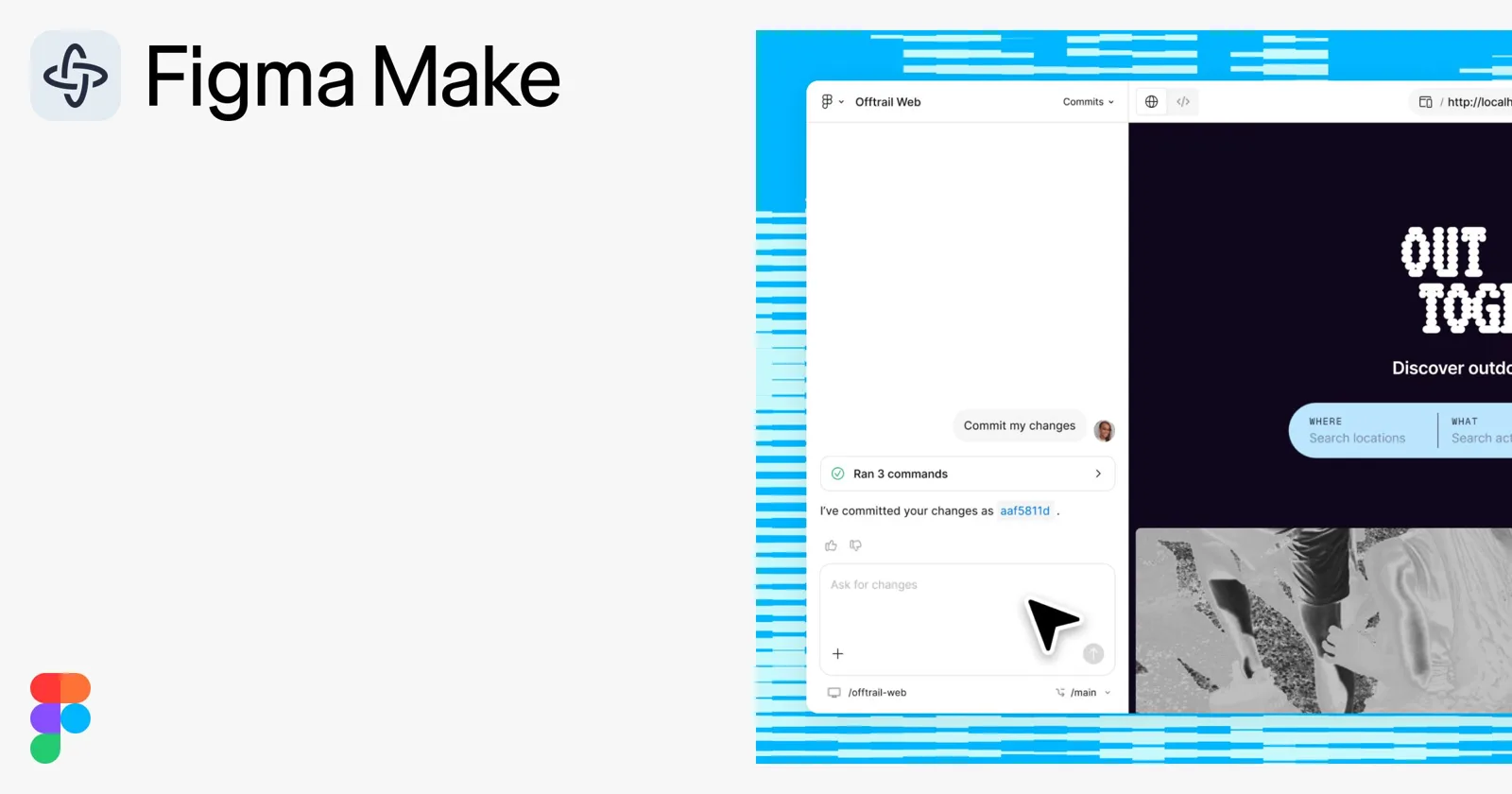
For a team, three things follow:
- Reviews change. When stakeholders click through a working flow, feedback moves from "what happens here?" to "this step feels slow." The feedback is better and it arrives earlier.
- Testing gets cheaper. A prototype people can type into gives more honest usability sessions than a click-through with hotspots.
- Exploration gets wider. A third and fourth direction cost much less, so the team can afford to compare them before choosing.
The trap is treating a running prototype as a finished one. It works, so it looks done. It still needs the design review a static screen gets, plus a check of the states and edge cases a frame never had to show. Figma Make for design teams covers how to set up that check.
The design system became the instruction set
This is the biggest shift, and the least visible one.
AI tools generate from whatever context they are given. Give them nothing and they produce the average of the internet: rounded cards, safe spacing, a palette that belongs to nobody. Give them your components, tokens and usage rules, and the output starts to look like your product.
That changes what a design system is for. It used to be a reference for people: a library designers pulled from and a site developers checked. Now it is also the set of instructions an AI reads before it builds anything. A rule that lives only in a senior designer's head, like "never two primary buttons on one screen", has no effect on generated output until someone writes it down.
In practice that means:
- Components and tokens in code, as well as in Figma, so coding agents use the real parts instead of approximating them.
- Usage rules written as rules. When to use which component, what never to combine, how density changes on mobile.
- Short docs in plain language. The document that onboards a new designer also onboards an AI agent. If a new hire could not follow it, a model will not either.
- Language and direction stated explicitly. For Hebrew products, right-to-left has to be written into the rules, or someone will be fixing mirrored icons forever.
Teams with a messy design system feel this first. Every gap shows up as generic or inconsistent output, and better prompts will not close it. The fix is design system work.
Research and synthesis got faster, and easier to get wrong
Research is where AI in UX design gives back time most quietly. Transcribing interviews, tagging notes, grouping feedback and drafting a first synthesis from a stack of sessions used to take days. Now it takes hours.
That speed has a cost. A model summarizing twelve interviews will hand you a clean, confident set of themes, and some of them will be slightly off. A quote lands on the wrong participant. One person's opinion becomes a pattern. A nuance gets flattened. The summary reads well enough that nobody goes back to check.
The teams that get real value from this keep three habits:
- A fixed synthesis template, so every study produces the same structure and the same fields.
- A check against the raw material. Someone spot-checks themes and quotes against the transcripts before anyone acts on them.
- Clear data rules. Which participant data can go into which tool is decided once, with whoever owns privacy, instead of by each researcher.
AI also does not decide what to research. Which question matters, which users to talk to and when the evidence is strong enough are still judgment calls.
The handoff is collapsing into code
The classic handoff was a translation. A designer made a picture of the product and wrote specs, and a developer rebuilt it in code, with a few rounds of "that is not what I meant" in between.
That boundary is getting thinner. When the design system lives in code and designers can work in the codebase with an agent like Claude Code, a prototype can be built from the product's real components. The developer receives working behavior that already uses the right parts, together with the decisions behind it.
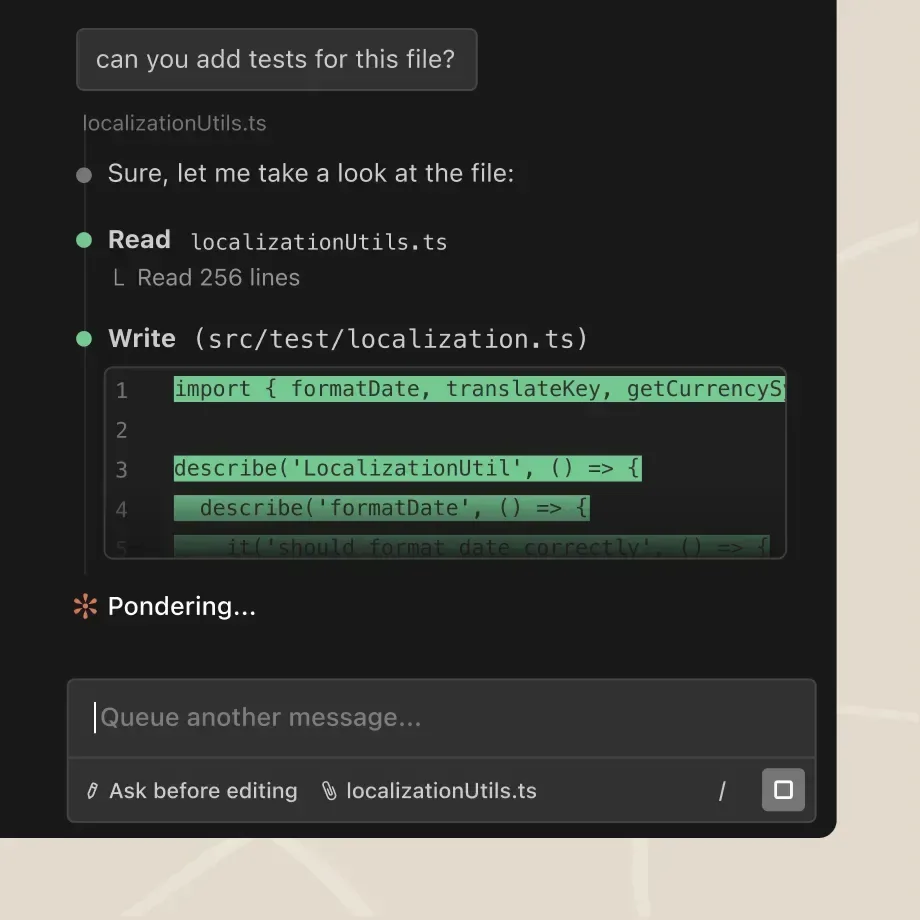
Designers still do not ship production code on their own. What changes is the agreement between design and engineering:
- Where designers work. A separate prototype repository, a branch or a sandbox. Decide before the first project.
- What gets handed off. Some teams treat the prototype as a behavior reference next to the specs. Others let parts of the code move forward after engineering review. Pick one per project, and do not mix them.
- Two reviews. A designer reviews how it looks and behaves. A developer reviews any code headed for production.
If this direction fits your team, Claude Code for designers walks through the setup.
What has not changed in AI product design
The list of what stayed the same is shorter, and it matters more.
Problem framing. AI is very good at answering the question it was given. It will not tell you the question was wrong. Deciding what problem the product should solve, for whom, and what to leave out is still the core of the job.
Taste. Generated output drifts toward what is common. Seeing that something is generic, that a layout is correct and the hierarchy is off, that a flow is complete and still confusing: that is what separates good product design from adequate product design. With more output to judge, taste is worth more.
Review. Someone still has to look at the work and decide whether it is good enough. AI made producing work cheap. It did not make checking it cheap. In practice review gets heavier, because there is more to look at and the mistakes hide inside output that looks finished.
Accountability. When a flow confuses users, "the model generated it" is not an answer anyone accepts. The team owns what ships.
So the AI product designer spends more of the day directing, judging and editing, and less of it drawing. The job looks more like a design lead's than it used to, even for a mid-level designer.
What a team needs to do differently
Individuals can get good at AI for product design on their own. A team needs shared ground, or it ends up with five prompting styles, five quality bars and nothing anyone can reuse. The practices that hold up:
- Start with one workflow. Pick a task that repeats, such as prototypes for usability tests or research synthesis. Write down how long it takes now. That is your baseline.
- Invest in the design system first. It is the context every tool reads, so time spent there improves every tool at once.
- Turn repeated prompts into shared templates or skills. When two designers ask for the same thing in different ways, you get two quality levels. Write it once and keep it in one place.
- Write down the review. What a designer checks before AI-assisted work goes to a stakeholder, a test or engineering. Short and specific beats long and ignored.
- Set data guardrails. Which tools, which data, which projects. Decide once, with whoever owns security.
- Give it an owner. The tools change monthly. Someone needs protected time to test new features, update the templates and unblock teammates.
The full process is in how to implement AI into your design team.
The honest limits
AI in product design has real limits, and a team adopts it better when they are said out loud from day one.
Generic output is the default. Without a strong design system and clear rules in the context, every tool falls back to the same look.
Confident mistakes. Tools report work as done when a state is missing or a layout breaks at another screen width. The check is part of the workflow.
Long sessions degrade. After many rounds of changes, a fix in one place breaks something that worked. Starting fresh with a tighter brief is often faster.
Prototype code is prototype code. Whether any of it ships is a decision for engineering, made before the project starts.
Learning takes real time. New tools, and for coded work also files, folders and basic git. Budget the hours, or adoption happens on weekends and stalls.
Plans and features move. Pricing, usage limits and capabilities change often. Check what your plan includes before rolling a tool out to the whole team.
Frequently asked questions
What is AI product design? Using AI tools across the product design process: prototyping, design system work, research synthesis, content and handoff. The designer still frames the problem and judges the result.
Will AI replace product designers? It takes over much of the assembly work, like wiring states, producing variations and drafting synthesis. Deciding what to build, which direction is right and when the work is good enough stays with designers, and that part is becoming a larger share of the job.
What does an AI product designer do differently? Spends less time drawing every state by hand and more time giving clear direction, maintaining the design system that tools generate from and reviewing output carefully. The core skills are the same. They are used more often per day.
Which AI tools should a product design team use in 2026? Choose by workflow rather than by hype. Figma Make suits interactive prototypes close to your Figma files. A coding agent like Claude Code suits work that has to live in code. Most teams need two or three tools, used the same way by everyone.
How do we get the whole team using AI, not just a few people? Pick one shared workflow, give it a template and a written review, measure it against a baseline and give the effort an owner with protected time. Adoption follows when the shared way is faster than everyone's private one.
Does AI for product design work on Hebrew and right-to-left products? Yes, with explicit instructions. State right-to-left in the design system rules and in every brief, and check alignment, icons and mixed Hebrew and English text in every review.
Where to start
Pick one workflow your team repeats every week. Put the relevant parts of the design system where the tool can read them, write a shared template and a short review checklist, and run one real project through it. Compare time and rounds against the baseline.
To plan the rest of the rollout, the free AI implementation workbook walks a design team through the same steps.
If you want help setting this up for the whole team, that is what I do with design teams. Here is how that works, or book a scoping call.