
Claude Code for designers: a practical team guide
What Claude Code is, what designers actually build with it, how it compares to Cursor and Figma Make, and how a design team adopts it with shared rules.

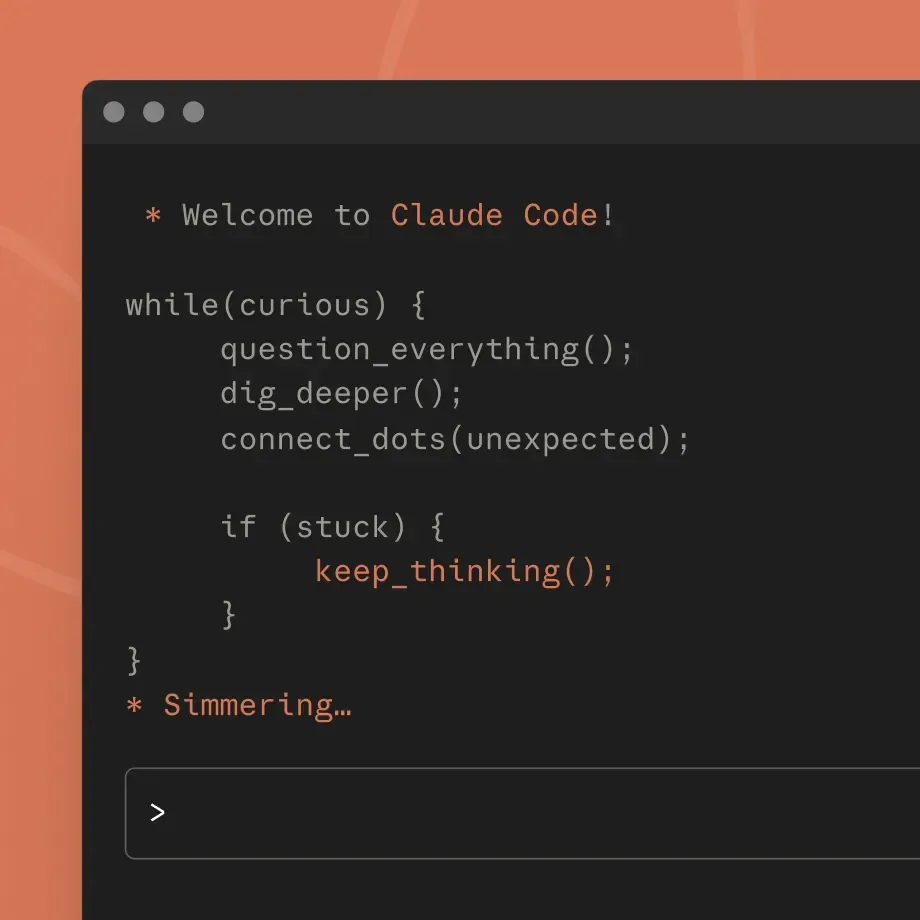
Claude Code is Anthropic's agentic coding tool. You describe what you want in plain language, and it reads your project files, writes and edits code, runs commands and checks its own work. It runs in the terminal, in editors like VS Code and JetBrains, in the Claude desktop app and on the web.
For designers, that means working prototypes, design systems in code and automated production work, without writing the code yourself. This guide covers what designers actually use Claude Code for, how it compares to Cursor and Figma Make, how a design team adopts it together, and where it falls short.
What Claude Code is
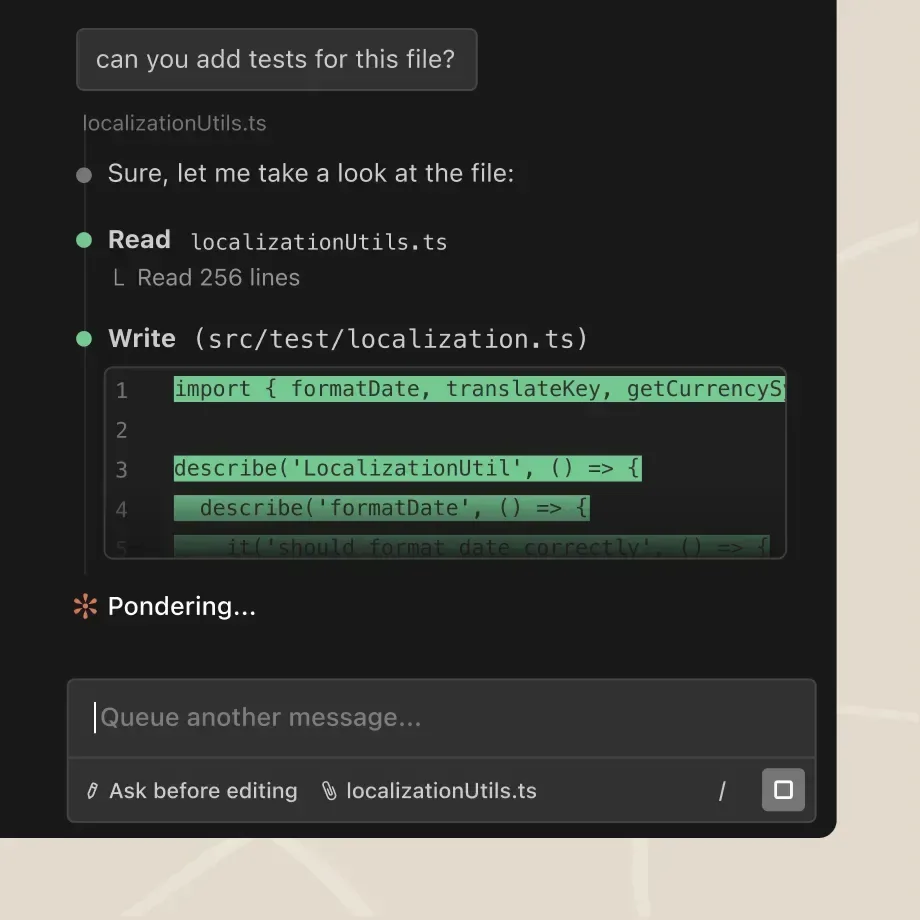
Claude Code is an agent. You give it a goal, it plans the steps, opens the files it needs, makes changes, runs them and tells you what it did. It asks for permission before it edits files or runs commands, unless you allow those actions in advance.
It works inside a folder on your computer or a connected repository. Everything it does is visible: which files it read, what it changed, what it ran.
You need a paid Claude plan or an Anthropic API account to use it.
Four pieces matter most for a design team:
- CLAUDE.md. A plain text file in the project with instructions Claude reads at the start of every session: which design system to use, how folders are organized, which language and direction the interface is in.
- Skills. Reusable instructions, and optionally scripts, for a task that repeats. Write it once and everyone on the team gets the same result.
- MCP servers. Connections to other tools. Figma's MCP server, for example, lets Claude Code read frames, components and variables from your Figma files.
- Plugins. A way to package skills and settings together so the whole team installs the same setup.
Why designers are picking it up
Vibe coding is the name people use for building software by describing it to an AI and iterating on the result. Designers took to it quickly, because describing what something should look like and how it should behave is already the job.
The gap is quality. A designer with a coding agent can ship a working page in an hour. Without the team's design system and rules in the context, that page looks like every other AI-generated page.
Claude Code is useful for designers because it can hold that context. The design system lives in the project, the rules live in CLAUDE.md and the repeated tasks live in skills. The output starts from the team's own work.
What designers actually build with Claude Code
Prototypes in real code
A prototype built in the same stack as the product behaves like the product. It uses real components, real data shapes and real states. Developers can read it, and sometimes keep parts of it.
I have run a full product redesign on a live, coded prototype. The handoff to development was simpler, because the prototype and the design system were already code.
A design system AI can generate from
This is the foundation for everything else. When components, tokens and usage rules exist in code with clear documentation, Claude Code generates full screens that look like the product. When they don't, it invents.
I have built a design system in Figma and in code that AI generates full screens from, and a web design system plus a creative system for marketing, both set up for working with AI.
From Figma frames to components
With Figma's MCP server connected, you can point Claude Code at a frame and ask it to build or update the matching component using your existing code. The result still needs a designer's review, but the first pass starts from the real design.
Production work that repeats
Not everything is product UI. Claude Code also runs file-based production work: one design in many formats, print files from a spreadsheet, renamed and resized exports. See how one vector template became 50 print-ready variations with a Claude Skill holding the template rules.
Small tools for the team
A script that checks every export against naming rules. A page that previews a component in every theme. A tool that turns a content sheet into ready layouts. Small things that would never get a developer's time.
Claude Code vs Cursor vs Figma Make
Designers searching for "Cursor for designers" and "Claude Code for designers" are usually asking the same thing: which tool should I learn? They solve different jobs.
| Claude Code | Cursor | Figma Make | |
|---|---|---|---|
| What it is | An agent that works on files and runs commands | A code editor with AI and an agent built in | Figma's prompt-to-prototype tool |
| Where it runs | Terminal, VS Code and JetBrains, desktop app, web | Its own editor | Inside Figma |
| Best for | Design systems in code, automation, multi-step work across files | Designers who want to see and edit code as they go | Interactive prototypes close to Figma files |
| Learning curve | Files, folders and basic git | An editor that looks like a developer tool | Lowest, stays in Figma |
Claude Code also runs inside VS Code and other editors, so the choice is less strict than it looks. A common setup: Figma Make for quick prototypes, Claude Code for anything that has to live in code. I wrote more about the first in Figma Make for design teams.
How a design team adopts Claude Code
One designer learning Claude Code on weekends gets results. A team where everyone learns it separately gets five setups, five sets of prompts and nothing anyone can share. The team version looks like this.
1. Start with one workflow
Pick one place where code clearly helps: prototypes for a specific product area, or one repetitive production task. Measure how long it takes today. That is the baseline.
2. Put the design system in the project
Tokens, components and usage rules in code, with short docs on when to use what. This is the step that decides whether the output looks like your product.
3. Write the team's CLAUDE.md
Keep it short and concrete. Which design system, which folders, how files are named, which language and direction the interface uses (for Hebrew products, say right-to-left explicitly), what Claude must never change.
4. Turn repeated tasks into skills
When the same request comes up twice, it becomes a skill. Package the team's skills so everyone installs the same set, and keep them in one shared place.
5. Set the guardrails
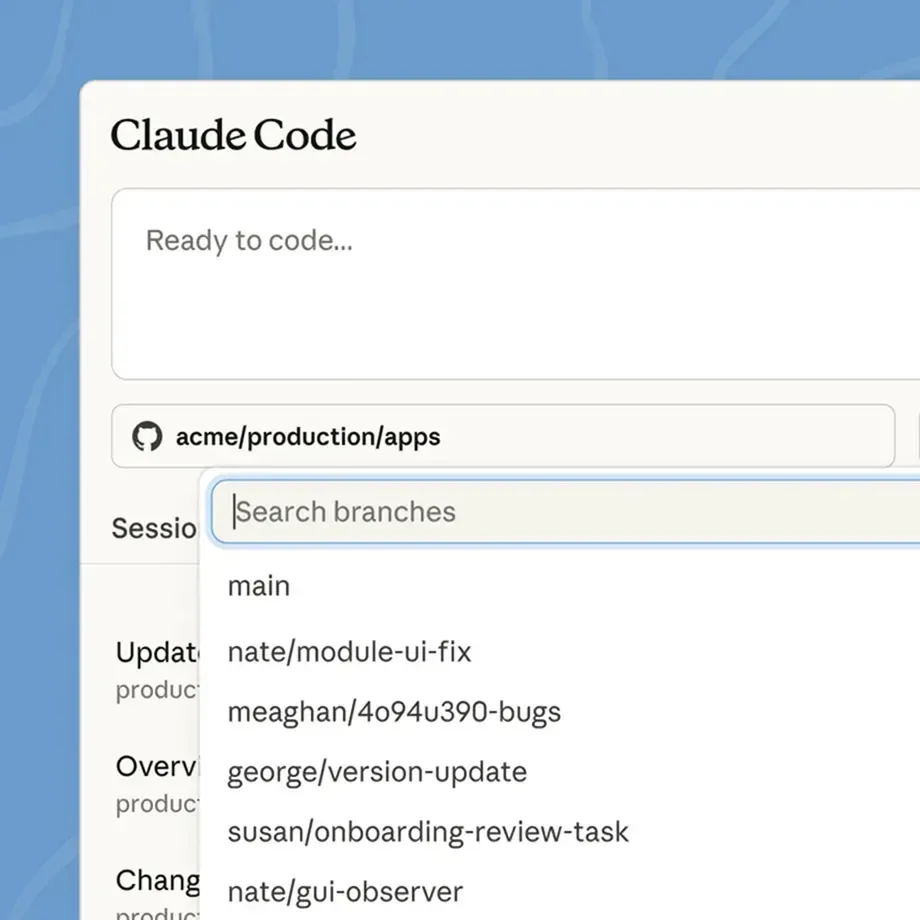
Decide what Claude Code may access, which commands it can run without asking, and what data stays out. Agree with engineering on where designers work: a separate prototype repo, a branch, or a sandbox.
6. Define the review
A designer reviews what it looks like and how it behaves. A developer reviews any code that goes toward production. Both checks are written down before the first project.
7. Give it an owner
Claude Code changes fast. Someone needs the time to test new features, maintain the skills and help teammates when they get stuck. The full process for this is in how to implement AI into your design team.
What a first session looks like
- Install Claude Code using Anthropic's guide, or use the desktop app if the terminal is new to you.
- Open the project folder and ask Claude to explain how the project is organized. This is a good test of whether your docs are enough.
- Ask for one small, specific change. Read the plan before you approve it.
- Run the result, look at it, and give feedback the way you would to a junior designer: what is wrong, where, and what good looks like.
- When something works, ask Claude to update CLAUDE.md or a skill so the next session starts from it.
Where Claude Code falls short
Generic output without context. If the design system is missing or unclear, it fills the gap with defaults. Most disappointing results trace back to this.
Confident mistakes. It can report a task as done when a state is missing or a layout breaks at another width. In the UX Tools State of Prototyping survey (Spring 2026, 1,478 respondents), only 1.4% trust AI output without a human check. That instinct is right.
A real learning curve. Folders, a terminal or editor, and basic git. None of it is hard, and all of it is new for many designers. Budget the time.
Usage limits. Heavy sessions use more of your plan. Check the limits before you roll it out to a whole team.
It acts on your files. It edits files and runs commands. Work in version control, keep permissions tight, and keep sensitive data out of projects it can read.
Production code is a team decision. Designers can build a lot. What ships to customers still goes through engineering review.
Frequently asked questions
Do designers need to know how to code to use Claude Code? No. You need to describe clearly what you want and judge whether the result is right, which designers already do. Basic comfort with files, folders and git helps a lot, and takes a few days to pick up.
Is Claude Code free? No. It requires a paid Claude plan or an Anthropic API account. Check Anthropic's current plans for usage limits before you roll it out to a team.
What is the difference between Claude Code and Cursor? Cursor is a code editor with AI built in. Claude Code is an agent from Anthropic that runs in the terminal, inside editors like VS Code and JetBrains, in the desktop app and on the web. Many people use both.
Can Claude Code read my Figma files? Yes, through Figma's MCP server. Once connected, Claude Code can read frames, components and variables and use them when it builds.
What is the difference between Claude Code and Claude Design? Claude Design is Anthropic's product for creating visual work like designs and prototypes with Claude. Claude Code is the agent that works on files and code. They connect, and Anthropic's help center has the current workflow.
Does Claude Code work in Hebrew? Yes. You can write to it in Hebrew and build Hebrew interfaces. State right-to-left in CLAUDE.md and check alignment, icons and mixed Hebrew and English text in every review.
Is it safe to give Claude Code access to company files? It works on the files you give it and asks before acting unless you change that. Agree on guardrails with your security team first: which projects, which data, which commands.
Where to start
Pick one workflow where code would help the team this month. Put the design system in the project, write a short CLAUDE.md, and run one real task through Claude Code with a written review at the end. Compare it against the baseline.
To plan the rest of the rollout, the free AI implementation workbook walks a design team through the same steps.
If you want help setting this up for the whole team, that is what I do with design teams. Here is how that works, or book a scoping call.