
Figma Make for design teams: a practical guide
What Figma Make does, where it fits in a design team's work, where it breaks, and how to roll it out so the whole team uses it the same way.
Figma Make is Figma's AI tool that turns a prompt, an image or a Figma frame into a working prototype built in code. One designer can get a convincing result from it in an afternoon. A design team needs more than that: shared rules for when to use it, how to feed it the design system, and who checks the output before it reaches a stakeholder.
This guide covers what Figma Make does, where it fits in a team's work, where it breaks, and how to roll it out so everyone works with it the same way.
What Figma Make is
Figma AI is the umbrella name for the AI features across Figma. Figma Make is the one that builds.
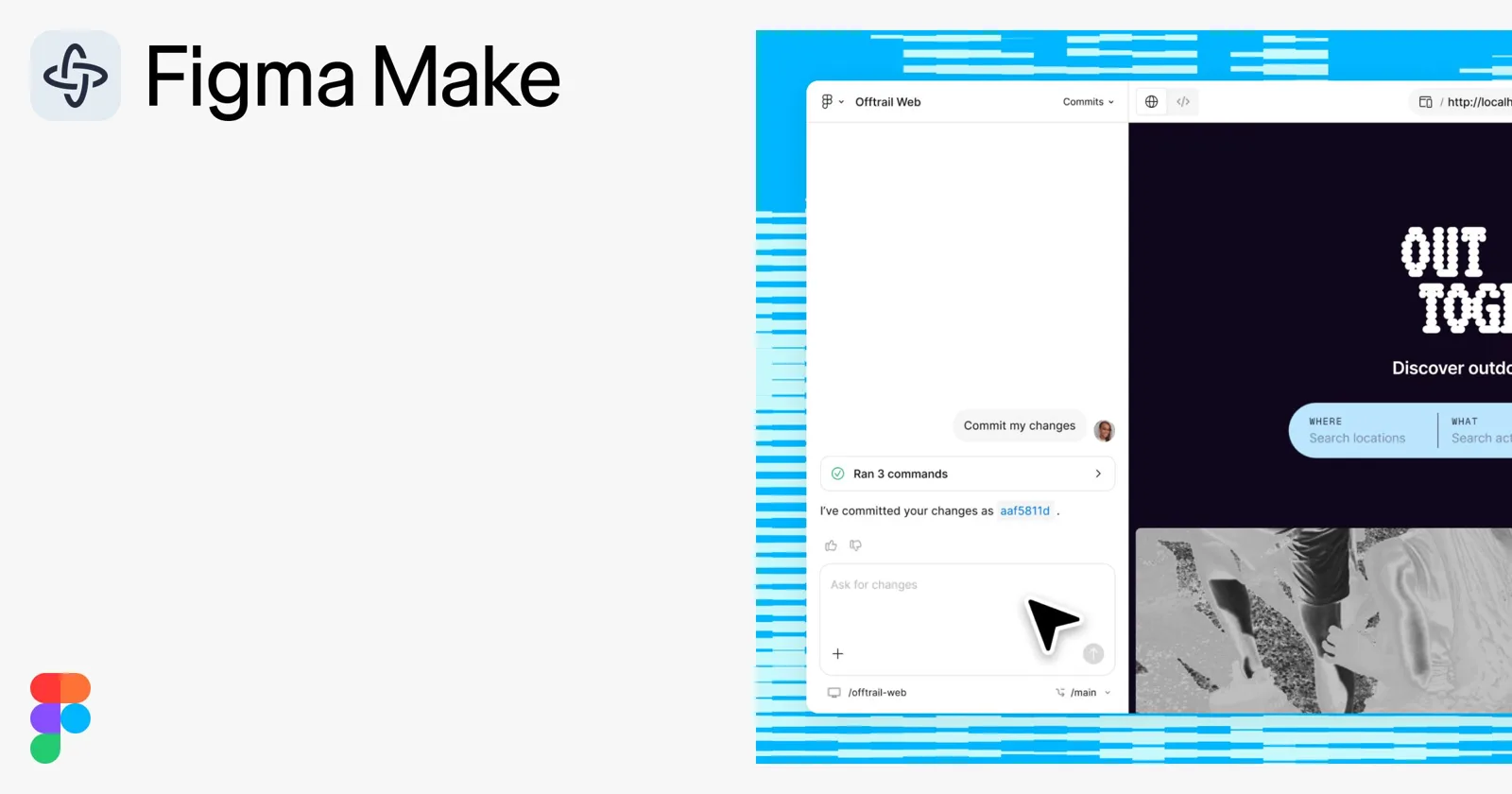
You open a Make file, describe what you want in a chat, and Make writes the code and shows a live preview next to it. You can start from a written prompt, a screenshot, or frames you paste in from Figma Design. From there you keep iterating in the chat, point at a specific element to change it, or open the code and edit it directly. When it works, you share a link.
What comes out is a functioning prototype: real inputs, real states, real logic. A text field validates. A filter filters. A flow remembers what you chose two screens ago.
That is the big change from classic Figma prototyping, where every state is a frame and every interaction is a noodle you drew by hand.
Figma updates Make often. Before you build a process around a specific feature, check what your plan includes today and how it counts AI usage.
Where Figma Make fits in a design team's work
The best uses share one trait: the output is meant to be looked at, tested or discussed, and a designer checks it before anyone relies on it.
Prototypes with real interaction
Anything that needs logic to feel real is a good fit. Onboarding flows with branching steps, forms with validation and error states, dashboards with filters and empty states, settings pages where one toggle changes another.
In classic prototyping these take dozens of frames. In Make the designer describes the behavior once and spends the time on the details that matter.
Exploring directions before committing
Make is fast at the second, third and fourth version. Ask for the same screen with a denser layout, a different navigation pattern, or a mobile-first take, and compare them side by side.
Use it to widen the options early. The decision about which direction to take stays with the designer.
Usability tests and stakeholder reviews
A prototype people can type into gets better feedback than a click-through. Users stop asking "what would happen here?" and react to what actually happens. Stakeholders stop imagining the interaction from a frame.
Small tools for the team itself
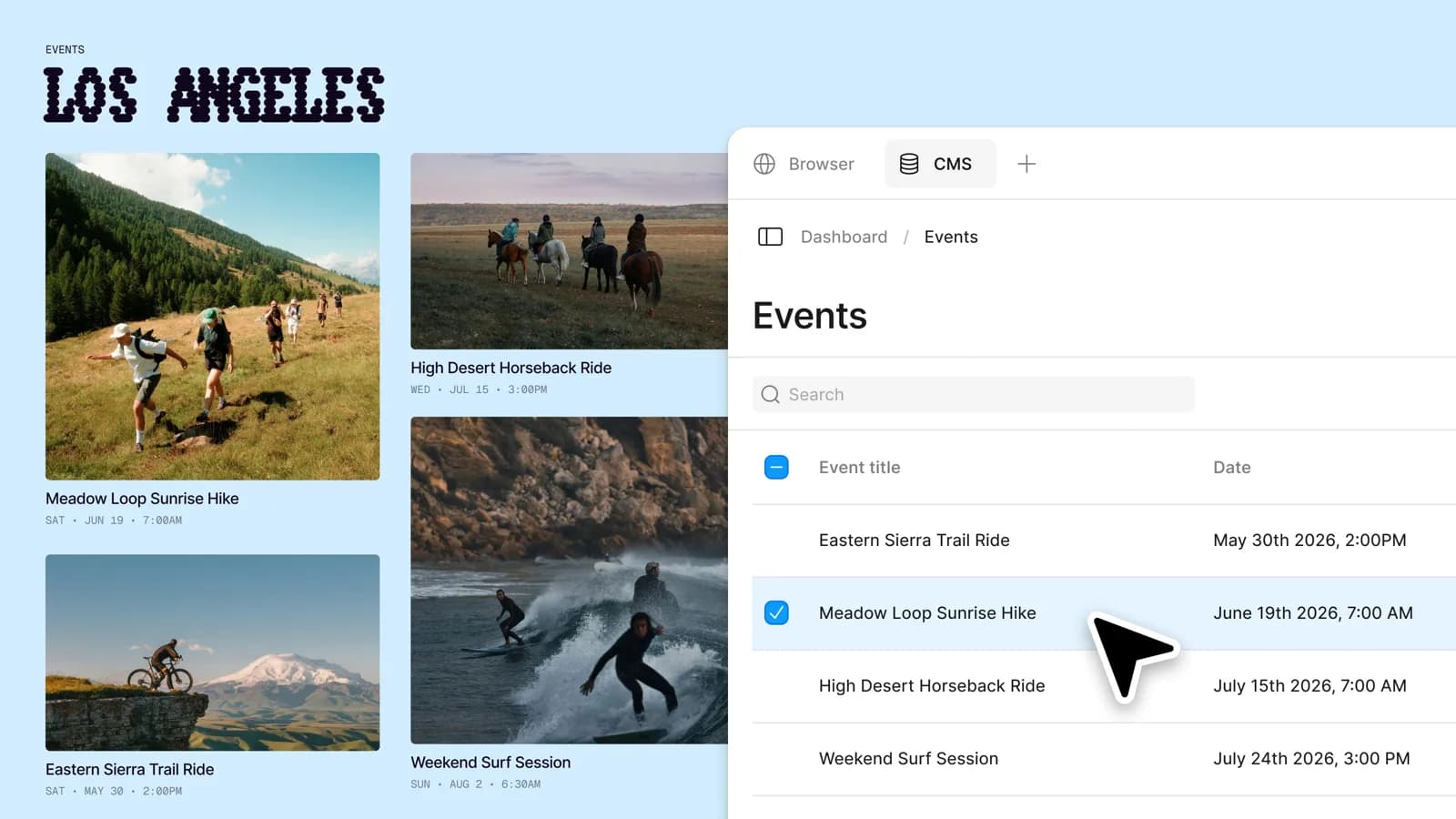
Make also builds small internal tools: a copy length checker, a calculator for a pricing page, a simple generator for repeated assets. Nobody has to wait for a developer sprint for a tool only the design team uses.
Where Figma Make breaks
Every team that tries Make hits the same walls. Knowing them in advance saves weeks.
The output looks generic. Without strong context, Make falls back to a default look: rounded cards, safe spacing, a palette that belongs to nobody. The top threads about Figma Make on Reddit are designers asking whether anyone gets good-looking UI out of it. Usually that comes down to what the tool was given to work from.
It drifts from your design system. Even when you start from your own frames, components get approximated. A button looks right and has the wrong padding. A color is close to a token and is not the token. Someone has to check.
Long conversations get worse. After many rounds of fixes, a change in one place can break something that worked before. Starting a fresh Make file with a tighter prompt is often faster than another round of patching.
The code is prototype code. Make writes real code, and that is useful for showing developers intent. It is rarely what your engineering team will ship as is. Agree with them early on what they want to receive.
People trust it less than you expect. In the UX Tools State of Prototyping survey (Spring 2026, 1,478 respondents), 52.2% named inconsistent AI output quality as a blocker, and only 1.4% trust AI output without a human check. Plan for the check from day one.
Data still matters. Whatever goes into a prompt goes into the tool. Decide as a team what can be pasted in: real customer data, unreleased product names, internal metrics.
How to roll out Figma Make as a team
When each designer figures out Make alone, you get five prompting styles, five quality bars and no way to compare results. The process below is the same one I describe in how to implement AI into your design team, applied to one tool.
1. Pick one workflow first
Choose one place where Make clearly helps, such as prototypes for usability tests. Write down how long it takes today and how many rounds it needs. That is the baseline you will compare against.
2. Give it the design system
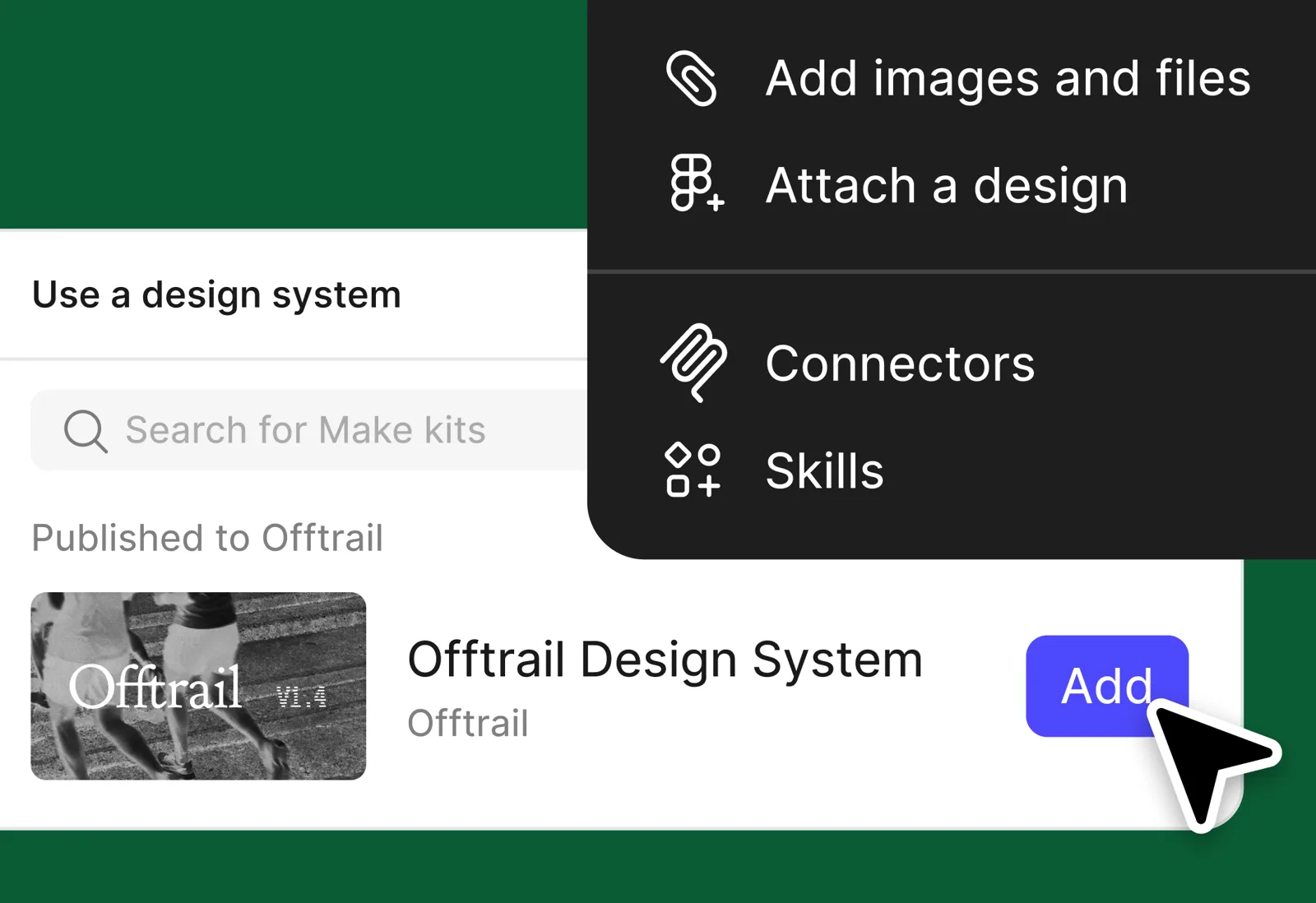
Start from your own frames and components, never from a blank prompt. Write a short style brief the whole team pastes at the start: type scale, spacing rules, the tokens that matter, the components that must look exact. Figma keeps adding ways to bring a library into Make. Use what your plan supports, and still check the output against the system.
3. Turn the prompt into a shared template
If a task repeats, nobody should write a fresh prompt for it. A team template for Make prompts can be short:
- Context: which product, which flow, which frames are attached.
- Goal: what the prototype has to prove, and to whom.
- Behavior: states, validation, edge cases, empty and error states.
- Constraints: design system rules, language and direction (for Hebrew, ask for a right-to-left layout explicitly), screen sizes.
- Out of scope: what Make should leave alone.
Keep the template where the team already keeps knowledge, and update it when someone finds a better version.
4. Define the check before anything leaves the team
Write down what a designer reviews before a Make prototype goes to a stakeholder or a test: components against the system, copy, states, accessibility basics, right-to-left behavior if relevant. Short and specific beats long and ignored.
5. Decide what happens after the prototype
Agree with engineering on the handoff. Some teams treat Make prototypes as throwaway and hand off Figma Design files as before. Others hand off the prototype as a behavior reference next to the specs. Both work. Mixing them on the same project does not.
6. Give it an owner
Someone needs the time to test new Make features, update the template and answer the team's questions. Without an owner, the template goes stale within a month and everyone drifts back to their own way.
Figma Make vs other AI prototyping tools
Make is one of several AI prototyping tools a design team will hear about. The useful question is which job each one does best.
| Tool | Where it runs | Best for | What to watch |
|---|---|---|---|
| Figma Make | Inside Figma | Interactive prototypes from your Figma frames, fast exploration | Generic output without strong context, prototype-grade code |
| Claude Code | Terminal, IDE, desktop app, web | Working in a real code project: design systems in code, production automation, prototypes that become product | Needs a project folder and a basic comfort with files and git |
| Prompt-to-app builders (Lovable, v0, Bolt and similar) | In the browser | Quick standalone apps and landing pages from a prompt | Lives outside your design files, same generic-output risk |
Many teams end up with two of these: Make for prototypes that stay close to Figma, and a coding agent for work that has to live in code. If the second one is relevant to you, read Claude Code for designers.
What this looks like in practice
The pattern that holds up is the same across tools: the AI generates from the team's own system, and a designer checks before anything ships.
Some of the work I have built this way:
- A design system in Figma and in code that AI generates full screens from, so the output starts from the product's real components.
- A product redesign done on a live, coded prototype, which made the handoff to development simpler because the prototype and the design system were already code.
- A web design system plus a creative system, both set up for working with AI.
On the production side, the same thinking produced one vector template that became 50 print-ready variations. A different tool, the same principle: the rules come from the team, the assembly goes to AI.
Frequently asked questions
What is Figma Make used for? Building interactive prototypes and small apps from a prompt, an image or Figma frames. Design teams use it for prototypes with real logic, quick exploration of directions, usability tests and small internal tools.
What is the difference between Figma Make and Figma AI? Figma AI is the name for all the AI features across Figma. Figma Make is the specific tool inside it that generates working prototypes in code.
Is Figma Make free? Access and usage limits depend on your Figma plan and how it counts AI usage. Check Figma's current pricing before you roll it out to a whole team, because heavy iteration uses more.
Can Figma Make use our design system? It works best when you start from your own frames and give it explicit rules. It still approximates components, so a designer checks the output against the system before it goes anywhere.
Is the code from Figma Make production-ready? Treat it as prototype code. It is useful for showing intent and behavior. Whether any of it ships is a decision for your engineering team, and it is better to agree on that before the project starts.
Does Figma Make work in Hebrew? You can prompt in Hebrew and get Hebrew interfaces. Ask explicitly for a right-to-left layout and check alignment, icons and mixed Hebrew and English text, because those are the places it most often slips.
Will Figma Make replace designers? It removes the slow assembly of interactive states. Deciding what the product should do, which direction is right and when the output is good enough stays with the designers.
Where to start
Pick one prototype the team needs this month. Build it in Figma Make from your own frames, with a shared prompt template and a written check. Compare the time and the number of rounds against how you would have built it before.
To plan the rest of the rollout, the free AI implementation workbook walks a design team through the same steps.
If you want help setting this up for the whole team, that is what I do with design teams. Here is how that works, or book a scoping call.